The difference between a chatbot and an assistant
Type @ and bring in a patient, a note, or a document. From there, every answer knows who you're talking about and what happened before, not just what you typed in this message.
Why this compounds
Every visit makes it more useful, not just more full
A generic chatbot starts over every conversation. Patient Context carries what came before into what comes next, so the longer you use it, the more it already knows without you having to repeat yourself.
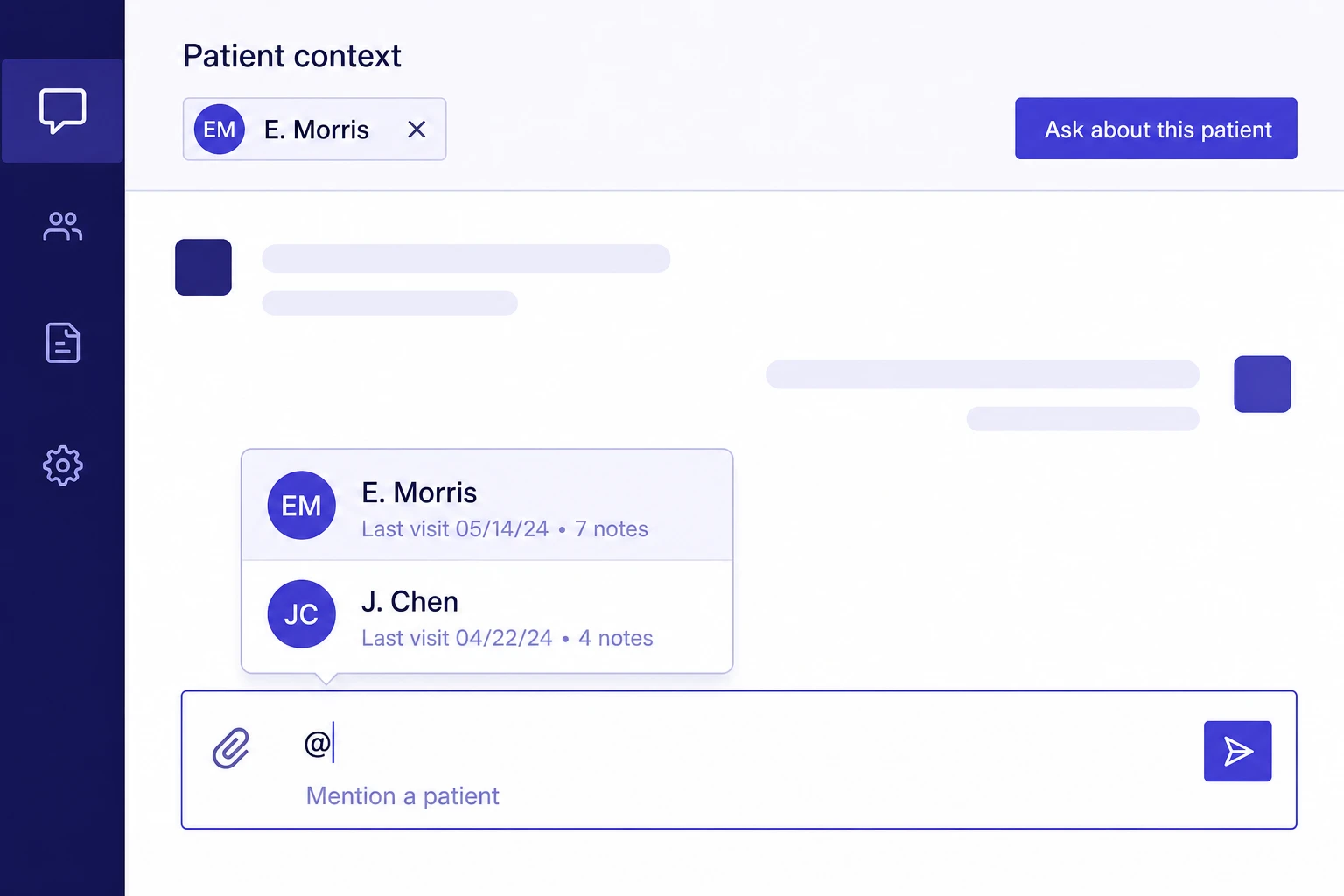
Type @ and pull it in
A patient, a past note, a document. Bring exactly what's relevant into the conversation instead of re-explaining it every time.
It knows what happened before
Once a patient is in the conversation, the assistant answers with their history in mind, not as a blank slate that starts over every visit.
It only gets more useful
Every visit adds to the context available for the next conversation. There's no reset button, and there's nothing to re-enter.
Trusted by independent clinicians
“I stopped re-explaining a patient's history every time I had a question about them. It's just already there.”

Dr. M. Santos
Family medicine
“The @patient shortcut is the one feature that made this feel like it knew my practice, not just AI in general.”

Dr. R. Kapoor
Internal medicine